Day 1: First Start with Postgres
Goal: Start Keycloak in production mode with Postgres, query health and metrics, get to know the admin console and
kcadm.sh, create the realmlaband replace the temporary admin. · Duration: approx. 60 min · Prerequisite: Day 0
Briefing
- A realm is a self-contained area with its own
users, clients and keys.
mastermanages Keycloak itself; applications get their own realms. startis production mode: database, fixed hostname, without TLS only withKC_HTTP_ENABLED.start-dev(Kong book) is only for experiments.- The first admin is temporary. It should be replaced.
kcadm.shis the command line for the Admin API.env.shprovides it askcadm.
 Browser ──► :8080 Keycloak ──► kc-db (Postgres 18)
 you ──► kcadm (in the container) ──► Admin API
        :9000 health and metrics (only 127.0.0.1)
Drill 1: Starting Keycloak
source ~/kc-lab/setup/env.sh
mkdir -p ~/kc-lab/tag01
cp -R ~/kc-lab/code/keycloak ~/kc-lab/keycloak && cd ~/kc-lab/keycloak
grep -E 'image:|command:|KC_HOSTNAME|KC_HTTP_ENABLED|KC_BOOTSTRAP' compose.yaml
docker compose up -d --wait
docker compose logs keycloak 2>&1 \
  | grep -o 'Keycloak 26.8.1 on JVM.*started in [0-9.]*s'
Expected (abridged, up to four minutes the first time):
    image: postgres:18.6-alpine
    image: quay.io/keycloak/keycloak:26.8.1
    command: ["start"]
      KC_HOSTNAME: ${KC_URL:?KC_URL fehlt – source ~/kc-lab/setup/env.sh}
      KC_HTTP_ENABLED: "true"           # bis Tag 12 ohne TLS
      KC_BOOTSTRAP_ADMIN_USERNAME: admin
      KC_BOOTSTRAP_ADMIN_PASSWORD: lab-admin-pw-123
 Container keycloak-keycloak-1 Healthy
Keycloak 26.8.1 on JVM (powered by Quarkus 3.40.1) started in 15.842s
KC_HOSTNAME comes from env.sh. If the
variable is missing, docker compose aborts with the message
from the file (“KC_URL fehlt”, KC_URL missing) instead of starting
Keycloak with the wrong name.
The log also contains
WARNING: Likely misconfiguration detected with the note
that the hostname uses HTTP instead of HTTPS. Without TLS, the page is
not a secure context for browsers; that is why passkeys (WebAuthn) only
work with TLS on Day 12.
Save your progress? Sign up for free
Drill 2: Health and Metrics
curl -s localhost:9000/health/ready | jq -c '{status, checks: [.checks[].name]}'
curl -s localhost:9000/metrics | grep -c '^keycloak_'
curl -s $KC_URL/realms/master | jq -c '{realm, "token-service"}'
Expected (abridged, IP and number will differ on your machine):
{"status":"UP","checks":["Graceful Shutdown","Keycloak cluster health check","Keycloak
Initialized","Keycloak database connections async health check"]}
46
{"realm":"master","token-service":"http://kc.192.168.64.7.sslip.io:8080/realms/master/p…
The management port 9000 serves health and metrics separately from
the port for users. Right after the first start, Keycloak answers for a
while with Bootstrap in progress and
Keycloak Initialized: DOWN while it creates the 101 tables
in Postgres; the healthcheck in the Compose file waits for that.
Save your progress? Sign up for free
Drill 3: The Admin Console
On the laptop, open
http://kc.<IP>.sslip.io:8080/admin (your VM’s IP).
Expected: the login page of the realm master.
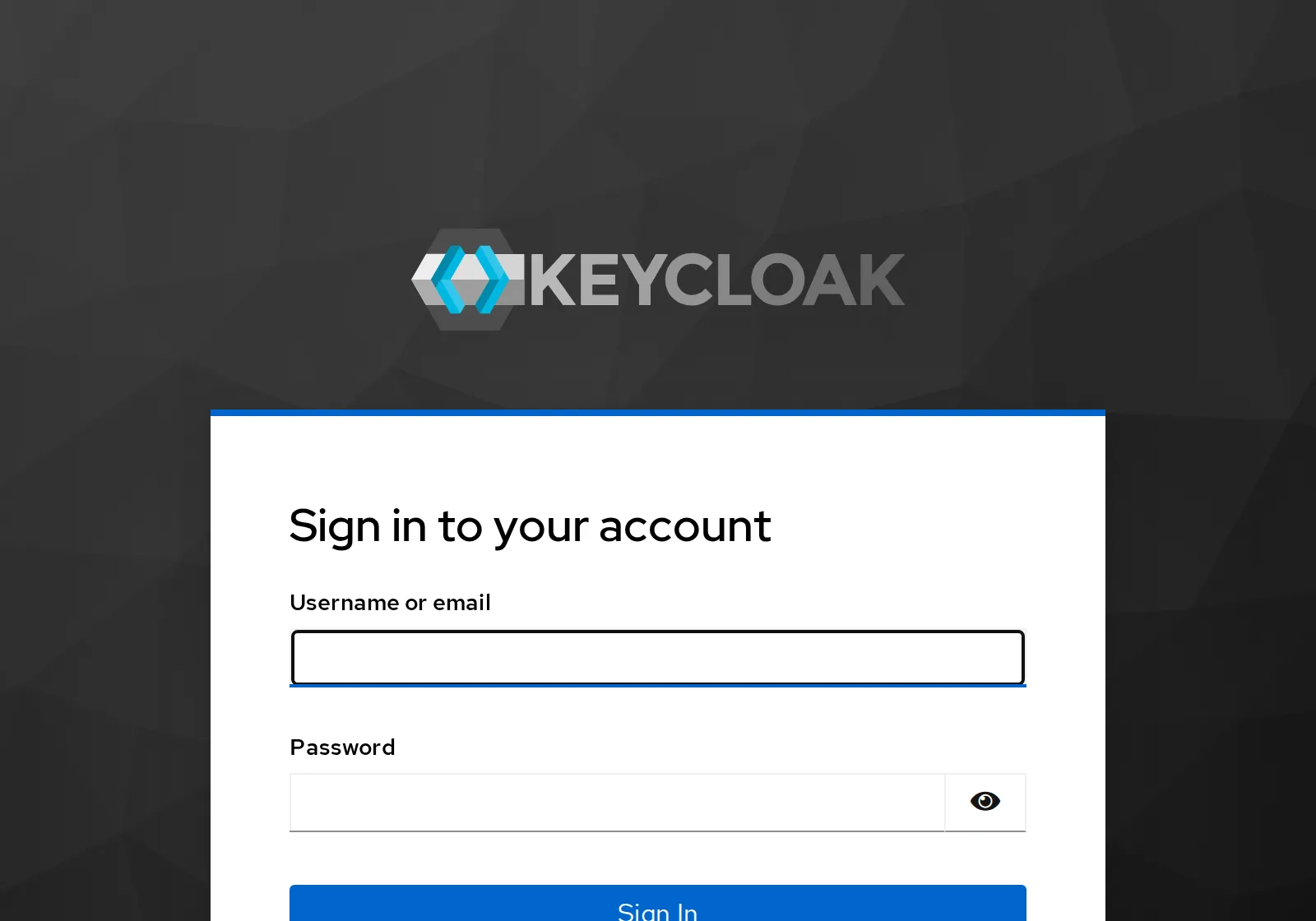
Log in with admin and lab-admin-pw-123. At
the top there is a yellow banner: You are logged in as a temporary
admin.
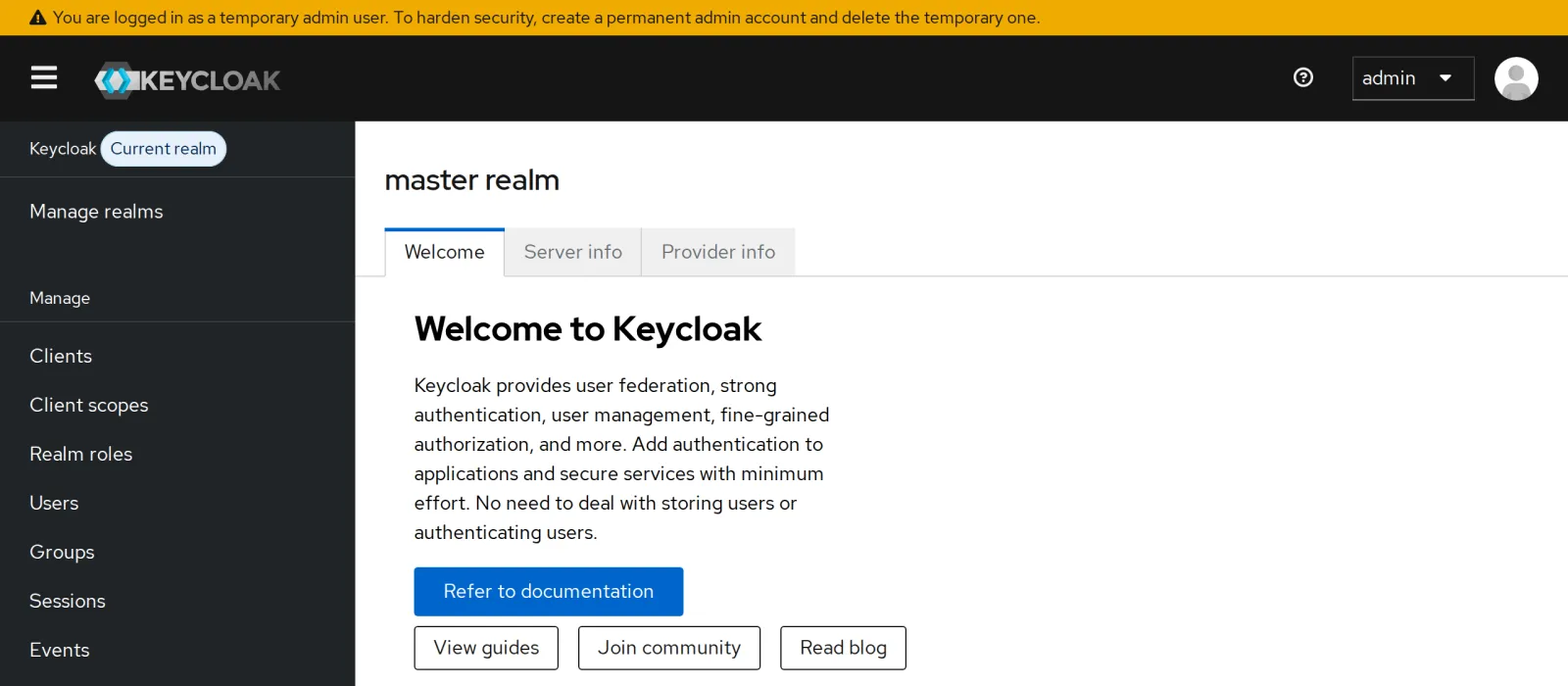
The banner means it. An admin whose password sits in a Compose file should be replaced. You do that in Drill 6, with the command line.
Save your progress? Sign up for free
Drill 4: kcadm.sh
grep -A3 '^kcadm()' ~/kc-lab/setup/env.sh
kcadm config credentials --server http://localhost:8080 --realm master \
  --user admin --password lab-admin-pw-123
kcadm get realms --fields realm,enabled
Expected:
kcadm() {
  docker compose -f "$LAB/keycloak/compose.yaml" exec -T keycloak \
    /opt/keycloak/bin/kcadm.sh "$@"
}
Logging into http://localhost:8080 as user admin of realm master
[ {
  "realm" : "master",
  "enabled" : true
} ]
kcadm runs in the container and talks to Keycloak via
localhost:8080. It stores the login in a file inside the
container until the container is recreated.
Save your progress? Sign up for free
Drill 5: The Realm lab
kcadm create realms -s realm=lab -s enabled=true -s displayName="notes Labor"
kcadm get realms/lab --fields realm,displayName,sslRequired,accessTokenLifespan
curl -s $KC_URL/realms/lab/.well-known/openid-configuration \
  | jq -r '.issuer, .authorization_endpoint, .token_endpoint, .jwks_uri'
Expected (abridged):
Created new realm with id 'lab'
{
  "realm" : "lab",
  "displayName" : "notes Labor",
  "accessTokenLifespan" : 300,
  "sslRequired" : "external"
}
http://kc.192.168.64.7.sslip.io:8080/realms/lab
http://kc.192.168.64.7.sslip.io:8080/realms/lab/protocol/openid-connect/auth
http://kc.192.168.64.7.sslip.io:8080/realms/lab/protocol/openid-connect/token
http://kc.192.168.64.7.sslip.io:8080/realms/lab/protocol/openid-connect/certs
Every realm has its own discovery document. It contains everything an
application needs for the login. sslRequired: external
allows HTTP only from private networks; the VM sits in one, so HTTP is
enough until Day 12.
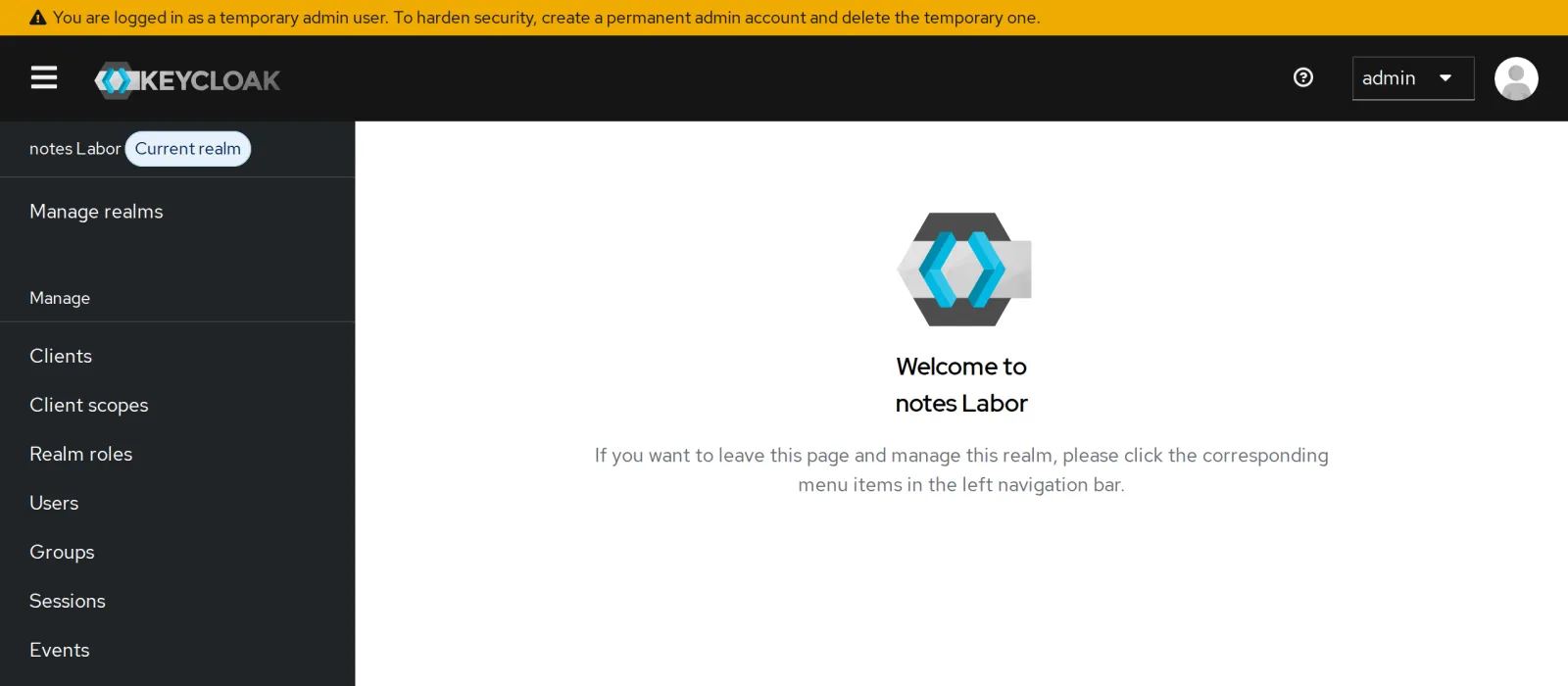
In the console, you switch to the new realm at the top left via Manage realms.
Save your progress? Sign up for free
Drill 6: A Permanent Admin
kcadm create users -r master -s username=kcadmin -s enabled=true \
  -s [email protected] -s emailVerified=true
kcadm set-password -r master --username kcadmin --new-password lab-admin-pw-123
kcadm add-roles -r master --uusername kcadmin --rolename admin
kclogin
Expected (abridged):
Created new user with id '86794e71-…'
Logging into http://localhost:8080 as user kcadmin of realm master
kclogin from env.sh logs kcadm
in as kcadmin. Now delete the temporary admin:
kcadm get users -r master -q username=admin --fields username
ID=$(kcadm get users -r master -q username=admin -q exact=true \
  --fields id --format csv --noquotes)
kcadm delete users/$ID -r master && echo "admin gelöscht"
kcadm get users -r master --fields username
Expected:
[ {
  "username" : "admin"
}, {
  "username" : "kcadmin"
} ]
admin gelöscht
[ {
  "username" : "kcadmin"
} ]
The first search shows the trap: -q username=admin
searches for parts of the name and also finds kcadmin. With
-q exact=true it hits only the one. In the console, the
yellow banner is gone after logging in again as
kcadmin.
Save your progress? Sign up for free
Drill 7: Everything Lives in Postgres
docker compose exec kc-db psql -U keycloak -d keycloak \
  -c "select name, enabled from realm order by name"
docker compose restart keycloak
sleep 30
curl -s $KC_URL/realms/lab | jq -r .realm
Expected:
  name  | enabled
--------+---------
 lab    | t
 master | t
(2 rows)

 Container keycloak-keycloak-1 Started
lab
Keycloak itself is stateless; realms, users and clients live in
Postgres. After a restart, kcadm does not need to log in
again; after a docker compose up with a new container it
does (kclogin).
Save your progress? Sign up for free
Checkpoint
curl -s localhost:9000/health/ready | jq -r .statusExpected: Keycloak is ready.
UPkcadm get realms --fields realmExpected: two realms.
[ {
  "realm" : "lab"
}, {
  "realm" : "master"
} ]
kcadm get users -r master --fields usernameExpected: only the permanent admin is left.
[ {
  "username" : "kcadmin"
} ]
Challenge
Access tokens in the realm lab should be valid for only
two minutes instead of five. Change it with kcadm and check
it.
Hint: You know the field from Drill 5;
kcadm update sets fields with -s.
Solution
kcadm update realms/lab -s accessTokenLifespan=120
kcadm get realms/lab --fields accessTokenLifespan
Expected:
{
  "accessTokenLifespan" : 120
}
Short-lived tokens limit the damage if one is stolen. The application pays the price: It has to refresh more often (refresh token, Day 3).
Save your progress? Sign up for free
Enterprise Note
- Admin access: Use the realm
masteronly for admins, protect admins with MFA (Day 10) and keep the admin console off the internet (KC_HOSTNAME_ADMIN, Day 12). - Database: Postgres should be backed up and highly available; Keycloak instances can then be replaced at will.
- Build options: In production, you build your own
image with
kc.sh buildand start withstart --optimized; that saves startup time. - Remove the bootstrap variables after the first start, otherwise the configuration holds a password that nobody needs anymore.